

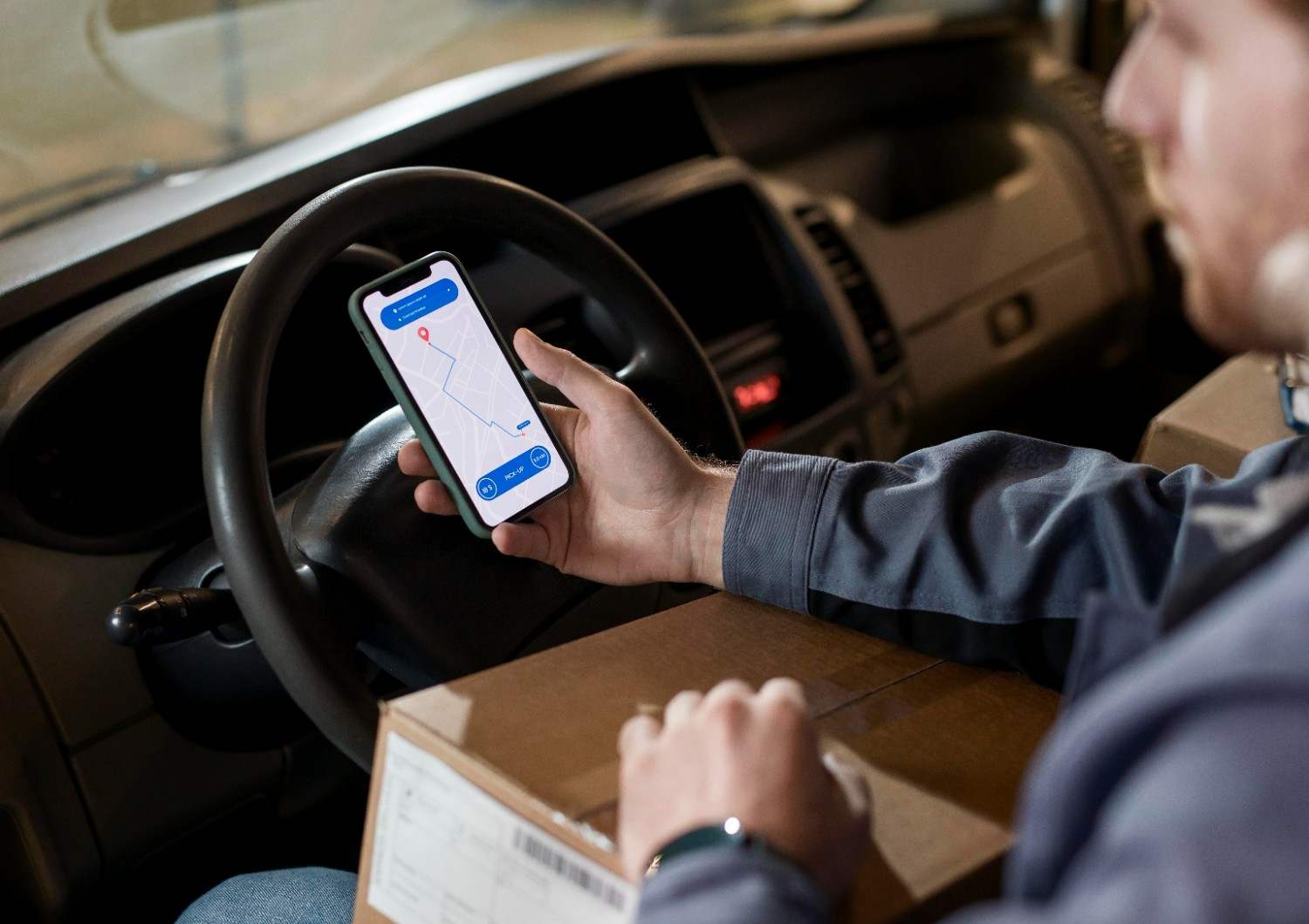
Hello folks! ‘Delhivery’ has been one of the fastest-growing names in the shipping and delivery sector. In recent years, compared to other competitors in the Indian market, Delhivery has certainly strengthened its position with its immaculate service, aggressive marketing, and customer satisfaction. The customers of this brand know very well how easy it is to find and track a parcel via the Delhivery tracking option.
You do not opt for a guesswork regarding your package anymore as to whether it has left the seller, is out for delivery, or has reached your city.
The tracking of a product becomes much easier when you know the status rather than finding the location alone. This is because the parcel has to pass through several points before reaching you.
I will explain everything about Delhivery courier tracking for your knowledge and benefit. Read the blog till the end to understand how to track your package instantly while using Delhivery.
What Is Delhivery Tracking?
It refers to the process of checking the current status of a delivery and tracking the shipment. It involves following a shipment process until it reaches the delivery stage.
Delhivery offers logistics services in India, which include parcel delivery, freight, warehousing, and commerce. It caters to companies that transport their goods between different places.
For a customer, this entire process will be quite easy, but he just needs one key thing: the shipment or tracking number.
Why Does the Tracking Number Matter?
The Delhivery order tracking number is a reference point for the shipment. With each parcel created by the seller, the shipment information becomes linked with the scans related to it.
It is like a trail. The new scans or statuses indicate the progress of the shipment without you needing to contact the delivery center.
Where to Find the Tracking Number?
You may access it via the order page, via SMS, your invoice, shipping confirmation email, or the delivery notification email from the vendor.
The vendor will give you a unique tracking code other than the order code for tracking purposes.
How to Find and Track Your Parcel?
The quickest way to go is to start with the tracking information from the seller.
Step 1: Get the Shipment ID
The tracking page or order receipt page has your shipment ID. The shipment ID must be copied without including any additional spaces.
Step 2: Visit the Tracking Page
Visit the official site for Delhivery courier and look for their tracking service. It is also possible to use an external third-party site that provides the tracking service for Delhivery. TrackCourier offers a website that allows entering the Delhivery tracking number and displays the history of the shipment.
It is better to start with the official source of the courier company.
Step 3: Enter the Tracking Information
Insert the shipment ID into the required field and click submit. The system will show you the latest update of the specified shipment.
There is no need to worry if there is no continuously updating map on the screen. The tracking is mostly concentrated on the shipment events and statuses rather than on its current position.
Step 4: Check the Last Update
See the last status update first. Check the earlier updates in case you really wish to learn about the complete journey of the package.
| Tracking Stage | What Does It Mean? |
| Shipment generated | Details about the shipment have not been created |
| Picked up | The courier has picked up the parcel |
| In Transit | The package has started moving through the delivery network |
| Destination Hub | The package has reached the nearest facility to the destination |
| Out for delivery | The shipment has reached the late delivery stage |
| Delivered | It has reached the recipient |
Common Delivery Status Terms Meaning
Delhivery surface tracking will be much more helpful to you once you learn the meaning behind it. I will mention some common terms for your convenience.
Shipment Has Been Picked Up
It means that the delivery service has already picked up the shipment. This is the stage where the shipping process continues to develop after the initial preparation step but before sorting or transportation.
In Transit
It means that your shipment has started its journey through the logistics chain. The item may have to pass multiple sorting points; therefore, a particular status may stay the same even when the package travels from one facility to another.
Arrived at Hub
It means that the shipment has arrived at the logistics center for sorting or further transportation. Do not worry if there are several facility names because they may not mean an incorrect path, since the logistics network consists of interconnected hubs.
Out For Delivery
It means that your package has reached the delivery stage and is on its way to you. Make sure your phone is within reach to ensure your availability during delivery.
Delivered
It means that the courier service has registered the delivery stage for your shipment. You can contact family members or the recipient to know whether he/she has received the delivery. I think everyone wants to see this status as soon as possible.
Why and When You Might Find Your Tracking Status Unchanged?
A common problem is looking at the tracking page frequently and thinking that every move that your shipment makes should be shown instantaneously.
Courier tracking relies on scanning and updates from the system. A package may move through multiple points without every small move being updated to the customer’s page.
The Shipment Was Just Made
In cases where the seller creates a shipment before the courier picks up the package, there could be a tracking number even when the shipment hasn’t been put into the delivery process yet.
It’s important to give some time for the system to get the first update.
Your Package is Moving between Locations
A shipment that moves between different facilities doesn’t have to provide many updates. Large gaps of time can happen while it’s being transported.
You shouldn’t refresh your page every minute or two; wait a decent amount of time before refreshing again.
The Package is Yet to be Given to the Carrier
Tracking numbers do not always mean that the package has been delivered to the carrier. The seller may provide shipment details even without giving the package to the logistics company.
When the status still shows an early stage for a prolonged period, inquire with the seller if the package has been delivered.
Common Delivery Issues and Fixes
It is common that you might face some delivery issues with Delhivery. But the main thing is to fix the issues in the best way possible.
Delayed Delivery
Most of the time, the delivery is executed on time. But sometimes the delivery could get delayed due to various reasons like weather, wrong address, operational issues, transportation schedules, and other problems.
In such a scenario, you should check whether the estimated delivery window has passed. Then you should right away approach the seller or courier support for assistance.
Wrong Address
A wrong or incomplete address could lead to problems during delivery.
If the tracking status shows that there is something wrong with the address, notify the seller and appropriate delivery support services immediately.
Updating the tracking page will not help you with an address issue.
When the Status Reads ‘Delivered’, but Not Delivered at All
Do simple things first. Check with your relatives, neighbors, security guard, receptionist, or other people who might have received your package.
If no one has your package, contact the seller and the courier service immediately. All your order information should be ready with you.
Third-Party Tracking vs Delhivery Tracking
| Option | Beneficial for | Remember |
| Delhivery Tracking (official method) | Tracking courier-provided shipment details | This is a useful starting point for direct courier details |
| Third-party tracking | Utilizing another tracking interface | Details depend on the courier data it gets |
| Seller order page | Exploring order and delivery details | Might combine seller and courier details |
How to Ensure Faster and Easier Tracking?
Know the Right Tracking Number
You must know the tracking number correctly. It will make it easier to track the package when necessary.
Look for Relevance
Track the status of the shipment when expecting a new one, such as upon pickup, arrival in the city, or out for delivery.
Compare Multiple Tracking Information
Compare the courier status with the seller’s order page to get more information about the delivery.
Comprehend the Status
Consider the newest event along with all other information. Not getting any new event within a few hours does not mean there is something wrong.
On a different note, you can check this blog out if you wish to explore about Loop Marketing for B2B.
When Do You Need to Contact Customer Support?
However, you don’t need help in every case of tracking gaps.
You need to contact the seller or courier customer support if your package stays stuck for too long, the delivery day has passed, there is an address issue, or the package is marked as delivered, but it cannot be found. Always keep the shipment number at hand.
Conclusion
It is unnecessary for tracking your package to turn into a guessing game. Having the shipment number in mind, you will easily get the current information about the package and its stage.
Pay attention to real shipment events rather than movement on the map. Pickup, Transit, Arrival to Hub, Out for Delivery, and Delivered statuses will let you know what happened with your shipment.
If the status did not change for some time, let the system work for a while. In case of real problems, contact the seller or courier support using shipment data.
Delhivery is a business or brand which do their best to make things easier and smoother for its customers.
FAQs (Frequently Asked Questions)
Q1. How to do Delhivery Tracking?
Trackon courier tracking Delhivery the use of the shipment/ tracking number on the official website of Delhivery.
Q2. How much time will it take to complete tracking?
Tracking is a time-consuming process, as it depends on the shipment scanning process.
Q3. What is the meaning of Out for delivery?
It means the delivery person has picked up the package to give it to the recipient.

I am Gourab Sarkar, a professional Content Writer and Blogger based in Kolkata with over 8 years of experience in delivering SEO-driven, engaging, and audience-focused content.