

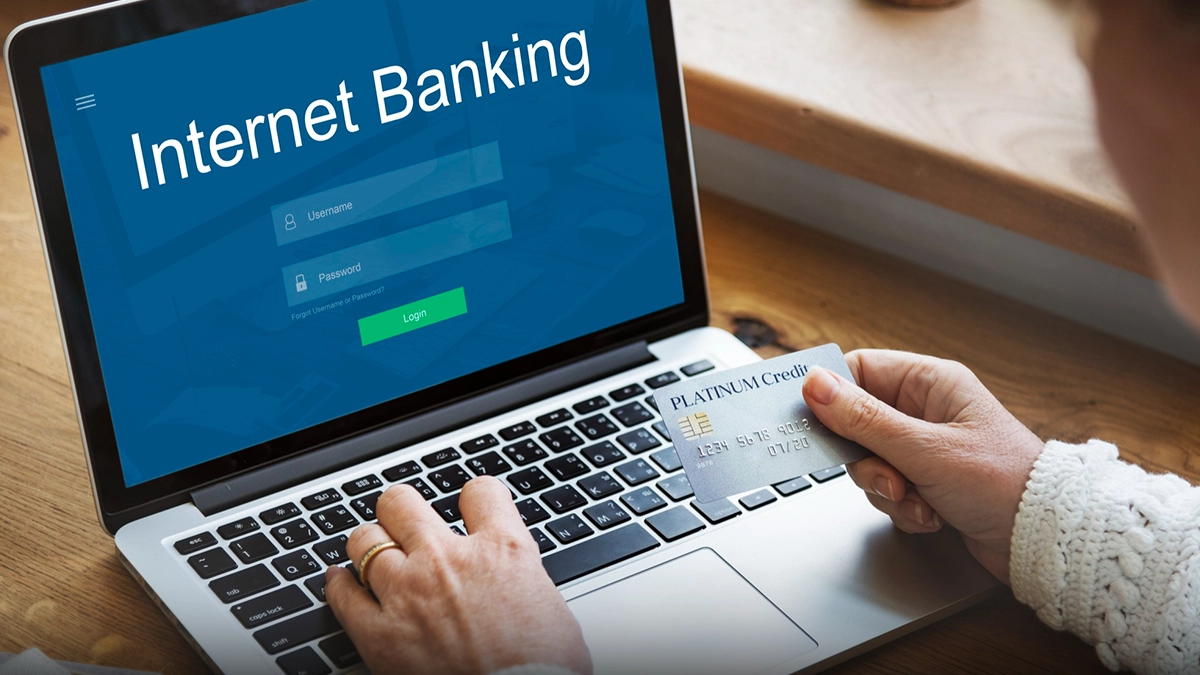
Opening a current account has gotten so much easier. You don’t have to stand in line at the bank or wait for weeks anymore. These days, most banks let you do everything online or at least, most of it. You fill out your application, upload your documents, and finish your verification sometimes without even leaving your desk.
If you’re running a business and need to start moving money fast, opening your account online can shave days off the process. Sometimes you’re up and running in just a day or two. Here’s how it works—from who’s eligible, to what paperwork you need, to the step-by-step process.
Who Can Open a Current Account and What Documents You Need
Current accounts aren’t just for one kind of business. You can open one as an individual, a sole proprietor, a partnership, an LLP, a private or public limited company, a trust, a Hindu Undivided Family, or an association. The rules and paperwork change a bit depending on what kind of entity you have.
If you’re a sole proprietor, you’ll need your PAN card, Aadhaar card, and proof of your business address—like a utility bill, a rent agreement, or a shop license. If you’re registered for GST, keep that certificate handy. Some banks also accept a Udyam Registration Certificate for small businesses.
Partnership firms should have the partnership deed, firm’s PAN, and KYC documents for all partners. You’ll also need a letter saying who’s allowed to use the account.
Private limited companies need a few more things: Certificate of Incorporation, Memorandum and Articles of Association, a board resolution to open the account, company PAN, and KYC documents for all directors. LLPs need their incorporation certificate and LLP agreement.
No matter what type you are, the main applicant has to be at least 18 and have a valid PAN card. Some banks want you to deposit a minimum amount to activate the account—that number depends on the account you pick.
How to Open a Current Account Online—Step by Step
Start on the bank’s website or app. Find the current account section and check out the different options. Look for one that fits your business think about how much you’ll be transacting, the minimum balance you can keep, and any extra features you might need.
Fill out the online form with your business name, what type of entity you are, your address, what your business does, and how much money you expect to move each month. Make sure your details match your official papers typos or mismatches can really slow things down.
Next, upload your documents. Take clear photos or scan your ID, proof of address, business registration, and PAN card. Some banks are fine with digitally signed documents; others want scans of the originals.
Now comes KYC verification. A lot of banks do this by video call. Someone from the bank will get on a call with you, check your face, and look over your documents. It’s quick and you don’t have to leave your place. If the bank doesn’t offer video KYC, they might send someone an in-person check at your office, or you might need to drop by a branch.
After your KYC is cleared, pay any initial deposit if the bank needs it, and hit submit. The bank checks your documents usually takes anywhere from one to five working days. Once they give the green light, your account goes live. You’ll get your account number, and depending on the bank, your cheque book, business debit card, and net banking details sometimes right away by email or app, sometimes by courier.
Some banks are even faster. If your video KYC goes through, you can get your account number instantly and start receiving payments right away even if your welcome kit hasn’t shown up yet. As soon as your account is active, set up net banking, mobile banking, and transaction alerts so you’re ready to go.
Wrapping Up
Opening a current account online is straightforward if you’ve got your documents, fill out the forms right, and complete KYC. Pick the account that matches your business needs—look at transaction limits and minimum balance. Keep your registration documents, PAN, and ID scanned and ready so you don’t waste time uploading. If the bank offers video KYC, take it for faster setup. Once you’re live, activate all the digital banking features, and you’re set. Your current account isn’t just a checkbox—it’s where your business really starts to move.

I am a content writer with proven experience in crafting engaging, SEO-optimized content tailored to diverse audiences. Over the years, I’ve worked with School Dekho, various startup pages, and multiple USA-based clients, helping brands grow their online visibility through well-researched and impactful writing.